
Find labels by the item being identified, surface and conditions of use. Then choose a format and ribbon compatible with your printer.
- 1. PrinterCheck the exact model.
- 2. Application and propertiesConsider the surface and environment.
- 3. Format and printChoose the size, colours and appropriate ribbon.
Start with the application
For wires and cables
Wire marking tapes →Self-laminating cable labels →For equipment and assets
Equipment label cartridges →Industrial equipment labels →For colour coding
Coloured M21 label cartridges →Coloured M4/M5 label cartridges →Explore more options by property
LoToTo selection links show examples from our catalogue. Brady range opens the manufacturer's wider selection in a new window.
Adhesive and surface
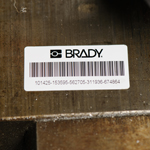
High-adhesion labels
For surfaces requiring strong label adhesion.
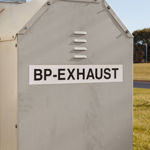
Labels with permanent adhesive
For long-term identification of equipment and other items.
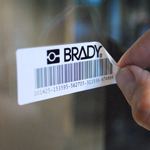
Removable labels
When marking needs to be removed or replaced later.
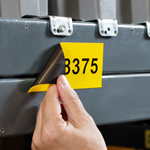
Magnetic labels
For changeable identification on suitable metal surfaces.
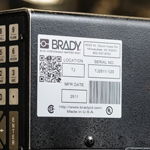
Metallic labels
For metallic marking and equipment identification.
Environmental resistance
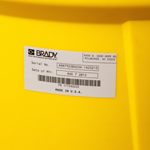
Chemical-resistant labels
When labels are exposed to chemicals.
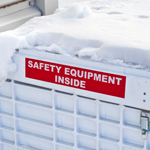
For harsh environments
For harsh industrial environments.
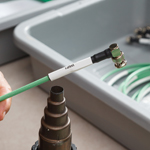
Heat-resistant labels
For identification in higher-temperature environments.
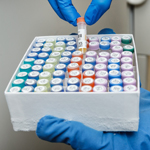
Low-temperature labels
For low-temperature and refrigeration conditions.

Weather-resistant labels
For identifying equipment and items used outdoors.
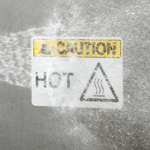
Wash-resistant labels
When marking must withstand washing.
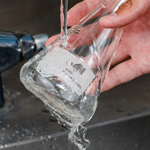
Water-soluble labels
When labels need to be removed with water after use.
Safety and visibility
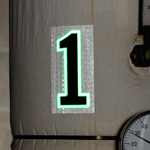
Photoluminescent labels
For visible marking in reduced lighting.
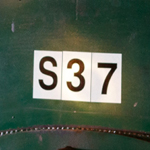
Reflective labels
For marking that reflects light directed at it.
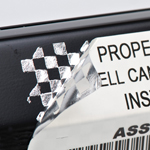
Tamper-evident labels
When it is important to detect attempts to remove a label.
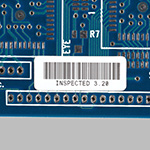
Static-dissipative labels
For electronics and other static-sensitive identification.
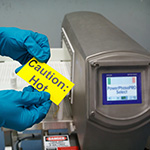
Metal-detectable labels
For processes where a label must be detectable by a metal detector.
Specialist identification
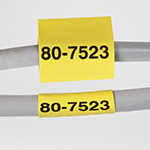
Heat-shrink sleeves
For wire and cable identification using heat-shrink sleeves.
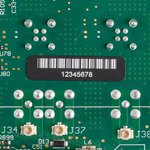
Laser-markable labels
For labels marked using a laser.
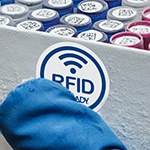
Temperature-sensing RFID labels
For item identification and temperature reading using RFID technology.
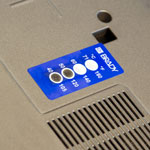
Temperature-indicating labels
When the effect of temperature needs to be visible.
Water-contact indicator labels
When label contact with water needs to be detected.
